
Before downloading an app, think about its permissions and what data it may access. Check if the permissions align with the app’s main purpose and avoid those that seem excessive or unnecessary. Review privacy policies, but focus more on the permissions you’re asked to grant, as they reveal potential data sharing. Regularly updating and adjusting permissions helps protect your privacy. To learn more ways to stay secure, keep exploring how to manage your app choices wisely.

Get health and wellness essentials delivered free with Prime
- Fast, free delivery on millions of items
- Prime Video, Amazon Music and more included
- Member-only deals all year
Key Takeaways
- Evaluate if app permissions align with its core functions and avoid granting unnecessary access.
- Review app permissions before downloading and periodically afterward to ensure they remain appropriate.
- Be cautious of excessive permissions, such as camera access for unrelated apps like calculators.
- Use device privacy settings to disable permissions that are not essential for app performance.
- Consider privacy implications and data sharing practices, focusing on permission management over lengthy policies.
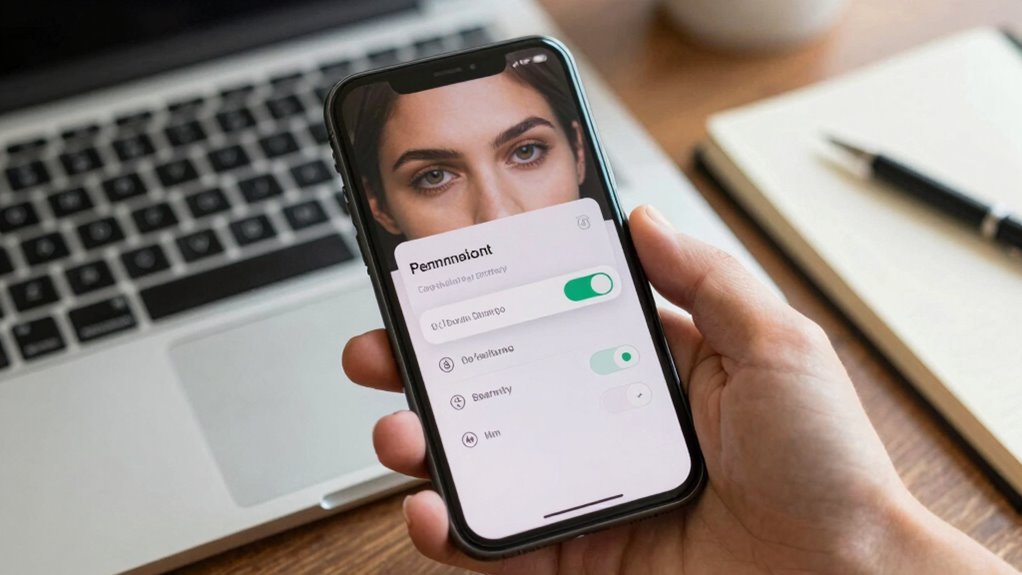
Have you ever wondered what your preferred application is truly requesting before you tap “download”? It’s easy to get caught up in the thrill of trying out new features or discovering a fresh interface, but it’s important to pause and consider what you’re consenting to. When you press that install button, you’re often granting the app authorization to access parts of your device, your information, and even your online activity. These permission settings can be a window into how your details might be shared, often with third-party entities or advertisers. Understanding what data sharing entails in this context helps you make more informed decisions and safeguard your privacy.
Before installing, take a moment to review the app’s permission requests. Some applications ask for access to your contacts, camera, microphone, or location, which may seem reasonable based on their functionalities. But ask yourself whether those permissions are genuinely essential for the app’s main functions or if they seem excessive. For example, does a basic calculator app need access to your camera? If an app requests authorization to access data that’s unrelated to its purpose, it’s a red flag. You have the ability to modify permission settings within your device’s privacy menu, allowing you to control what information the app can access. Disabling permissions that aren’t necessary can prevent the app from sharing your data with third parties without your awareness. Additionally, being aware of the Power of Imagination can help you envision potential privacy scenarios and make more mindful choices. Being familiar with best practices for app permissions can further empower you to protect your data effectively.
Review app permissions carefully; only grant access essential for functionality to protect your privacy.
Data sharing is a significant component of the contemporary app ecosystem. Many free apps depend on sharing your data to generate income through targeted advertising or partnerships. When you grant permissions, you’re often enabling the app to collect, store, and transmit your personal details. Sometimes, this data is anonymized, but other times, it can be linked back to you. Reading privacy policies helps you understand how your information might be shared or sold, but policies can be lengthy and confusing. Instead, focus on the permission settings and what they reveal about potential data sharing practices.
Ultimately, contemplating privacy before downloading an app means being proactive. Don’t just accept permissions blindly; question whether they’re justified. Regularly review your app permissions and privacy configurations, especially after updates, to keep your data sharing in check. Remember, your privacy is in your hands—being cautious with permissions and understanding how your information flows can help you enjoy your favorite applications while keeping your data secure.
privacy screen protector for smartphones
As an affiliate, we earn on qualifying purchases.
As an affiliate, we earn on qualifying purchases.
Frequently Asked Questions
Can App Permissions Be Altered After Installation?
Yes, app permissions can be altered after installation. You have control over permission settings on your device, allowing you to restrict or grant access to specific data or features. Regularly reviewing and adjusting these permissions helps you maintain data control and protect your privacy. On most devices, you can find these options in the app settings or privacy menu, giving you the power to manage what apps can access at any time.
What Are the Long-Term Privacy Risks of Sharing Data?
Sharing data long-term can expose you to privacy risks like data re-identification, especially if anonymization isn’t thorough. Over time, your information may be combined with other data, revealing personal details. Regular privacy audits help spot vulnerabilities, but if data isn’t properly anonymized, your privacy remains at risk. Stay cautious about sharing sensitive info and ask apps about their data practices to protect yourself from potential misuse or breaches.
How Do App Privacy Policies Affect My Data Security?
App privacy policies directly impact your data security by outlining how your information is protected. Look for policies that mention data encryption, which secures your data during transmission and storage, and privacy audits, showing the company’s commitment to reviewing their security measures regularly. Clear, thorough policies give you confidence that your data is handled responsibly, reducing risks of breaches or misuse. Always read policies carefully before granting an app access.
Are Free Apps Safer Than Paid Apps Regarding Privacy?
Free apps aren’t automatically safer for your privacy; they can be just as risky as paid ones. You need to check if they ask for user consent and use data encryption to protect your information. Sometimes, free apps monetize your data more aggressively, making your privacy feel like it’s a tiny fish in a big sea. Always read permissions carefully and choose apps that prioritize your privacy, whether they’re free or paid.
How Can I Detect Hidden Data Collection Practices?
You can detect hidden data collection practices by inspecting the app’s permissions and monitoring network activity for hidden trackers. Use privacy-focused tools or network analyzers to see if the app sends data without your knowledge. Look for signs of unencrypted data transmission, which indicates poor data encryption. Regularly review app updates and privacy policies to stay informed about potential hidden data collection practices and guarantee your information stays protected.
app permission manager for Android
As an affiliate, we earn on qualifying purchases.
As an affiliate, we earn on qualifying purchases.
Conclusion
Think of your privacy like a delicate garden — you wouldn’t let just anyone walk in and trample through it. Before downloading an app, take a moment to examine what seeds it’s planting in your personal space. By staying cautious and informed, you’re cultivating a safe, beautiful space where your information remains protected. Remember, you hold the power to decide what’s cultivated in your digital garden. Guard it wisely, and it will flourish.
privacy-focused smartphone settings
As an affiliate, we earn on qualifying purchases.
As an affiliate, we earn on qualifying purchases.
As an affiliate, we earn on qualifying purchases.
Halloween Picks
halloween
As an affiliate, we earn on qualifying purchases.