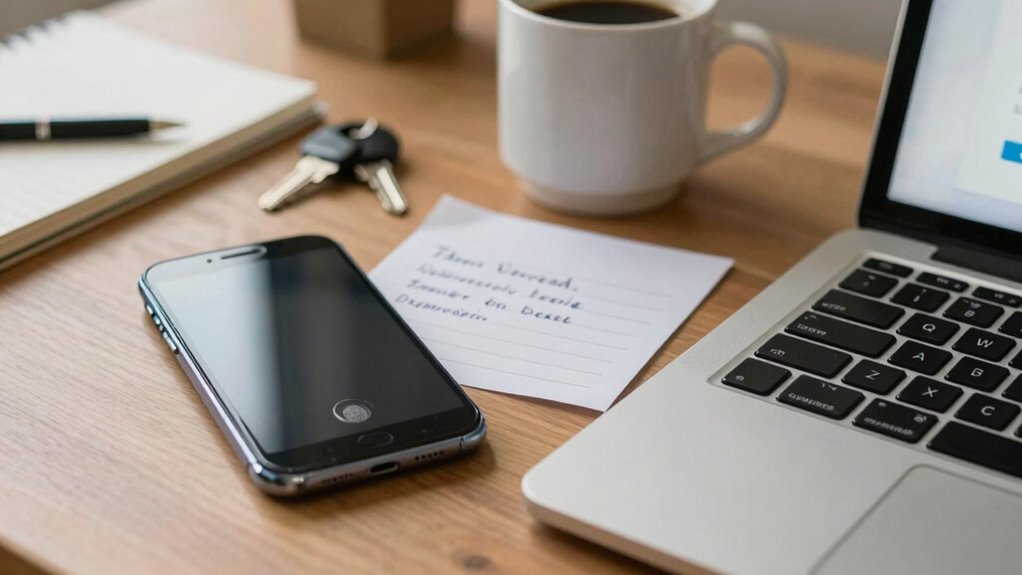

Prioritizing convenience in your digital security might seem harmless, but it often creates weak spots that cybercriminals can target. Using simple passwords, reusing them across sites, or storing passwords in browsers makes your accounts vulnerable. Quick login methods like biometric scans or shortcuts can be exploited too. Small convenience choices can quietly undermine your defenses, risking valuable data. If you want to understand how smarter decisions protect you better, keep exploring these security insights.

Get health and wellness essentials delivered free with Prime
- Fast, free delivery on millions of items
- Prime Video, Amazon Music and more included
- Member-only deals all year
Key Takeaways
- Prioritizing convenience often leads to weak passwords or reuse, increasing vulnerability to cyberattacks.
- Quick access methods, like browser-stored passwords, can be easily exploited by cybercriminals.
- Disabling security measures such as Multi-Factor Authentication reduces protection despite seeming more convenient.
- Simplified login processes may overlook layered security, making accounts more susceptible to breaches.
- Sacrificing security for ease can result in significant data loss or identity theft with minimal warning.
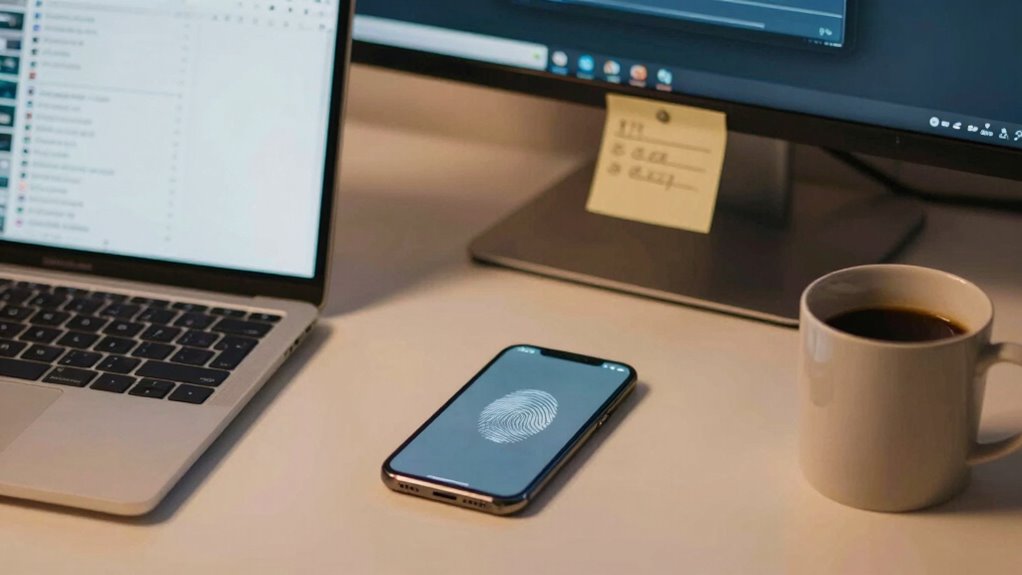
In today’s digital world, convenience often takes center stage, making our lives easier in countless ways. You might appreciate how simple it is to log into your accounts with just a few keystrokes or taps. But this drive for ease can sometimes undermine your security without you even realizing it. For instance, choosing easy-to-remember passwords or reusing the same password across multiple sites might seem practical, but it considerably weakens your defenses. Password complexity is essential—using a mix of letters, numbers, and symbols makes it harder for hackers to crack your credentials. Yet, many people opt for simple passwords like “password123” or “admin,” prioritizing convenience over security. This habit creates a weak link that cybercriminals can exploit with relative ease.
While password complexity forms the foundation of secure accounts, multi-factor authentication (MFA) adds an extra layer of protection. MFA requires you to verify your identity through multiple methods—like a fingerprint, a one-time code sent to your phone, or a biometric scan—beyond just entering your password. This additional step might seem like an inconvenience, but it greatly reduces the risk of unauthorized access. Ironically, many users disable or skip MFA because it feels cumbersome, even though it’s one of the most effective ways to keep your information safe. The more straightforward the login process feels, the easier it is for someone to bypass security measures. You might think, “It’s just a quick login,” but that quick step could compromise sensitive data if your passwords aren’t strong enough or if MFA isn’t in place.
Convenience often pushes you toward shortcuts, but these shortcuts can come at a steep cost. It’s tempting to store passwords in your browser or to use the same password across multiple accounts. These choices save time but make it easier for hackers to access your most valuable information. Implementing complex passwords and enabling multi-factor authentication might require a bit more effort upfront, but they’re indispensable investments to protect your digital life. Your online security isn’t just about avoiding inconveniences; it’s about creating barriers that are difficult for cybercriminals to breach. Layered security plays a crucial role in defending against increasingly sophisticated cyber threats. So, while convenience is attractive, remember that a small inconvenience—like managing stronger passwords or verifying your identity through MFA—can save you from far greater trouble down the line. In the end, balancing ease with security is key to safeguarding your digital presence. Recognizing that digital concepts like multi-factor authentication are vital can help you make smarter security decisions. Additionally, understanding how sound vibrations influence cellular regeneration could inspire new approaches to cybersecurity, emphasizing the importance of layered protection.
multi-factor authentication hardware token
As an affiliate, we earn on qualifying purchases.
As an affiliate, we earn on qualifying purchases.
Frequently Asked Questions
How Does Convenience Impact Password Complexity?
Convenience often leads you to choose simpler passwords because they’re easier to remember, sacrificing password complexity. This convenience results in authentication trade-offs, reducing your security. You might use common words or patterns, which are easier for hackers to crack. While simple passwords save time, they make your accounts vulnerable. To balance convenience and security, consider using password managers or multi-factor authentication, making complex passwords manageable without sacrificing safety.
Can Convenience Lead to Overlooked Security Updates?
Like a knight distracted by a shiny coin, you might overlook security updates for convenience’s sake. Auto fill vulnerabilities and cloud synchronization risks tempt you to skip updates, thinking they’re unnecessary. This complacency leaves your devices exposed to cyber threats. By ignoring updates, you miss critical patches that fix security flaws, making it easier for hackers to exploit auto fill vulnerabilities or intercept data during cloud syncs, compromising your digital safety.
What Role Does Mobile App Design Play in Security?
Mobile app design plays a vital role in security by integrating features like biometric authentication, which simplifies secure access. When user interface design is intuitive, you’re more likely to follow security protocols without frustration. However, if the design is poorly executed, it may tempt you to bypass security measures. A well-designed app balances ease of use with robust security, ensuring you stay protected without sacrificing convenience.
Does Convenience Encourage Sharing Sensitive Information?
Yes, convenience can encourage you to share sensitive information more freely. When apps prioritize ease of access, you might overlook security prompts, making you more vulnerable to social engineering attacks. This habit can jeopardize your data privacy, as you might unknowingly provide personal details to malicious actors. Ultimately, while convenience is helpful, it can lead you to compromise security if you’re not cautious about how and when you share sensitive information.
How Do Convenience Features Affect User Awareness of Threats?
Convenience features can cause complacency, clouding your awareness of lurking threats. When you enjoy instant access, you might overlook the risks, assuming safety is guaranteed. This user complacency leads to a false sense of security, making you less cautious about security measures. As a result, you become vulnerable to breaches. Embracing simplicity shouldn’t mean sacrificing vigilance; staying aware helps you balance convenience with cybersecurity.
password manager with strong encryption
As an affiliate, we earn on qualifying purchases.
As an affiliate, we earn on qualifying purchases.
Conclusion
Remember, ease can sometimes be the wolf in sheep’s clothing when it comes to your digital security. While it’s tempting to choose the simplest options, those quick fixes often open doors to trouble. Don’t let convenience be the Achilles’ heel that brings your defenses crashing down. Stay vigilant and prioritize strong security practices, even if it means a little extra effort. After all, a stitch in time saves nine—better safe than sorry when protecting your digital world.
biometric fingerprint scanner for computers
As an affiliate, we earn on qualifying purchases.
As an affiliate, we earn on qualifying purchases.
As an affiliate, we earn on qualifying purchases.
Fall Picks
fall essentials
As an affiliate, we earn on qualifying purchases.