
To create a phone setup that reduces compulsive checking, start by keeping only essential apps visible, hiding or deleting the rest. Use minimalist themes or monochrome displays to lessen visual appeal. Turn off non-essential notifications to minimize distractions, and schedule specific times for phone use. Place your device out of reach during important tasks or relaxation, and establish clear boundaries. These steps can help you regain control—continue exploring these strategies to strengthen your mindful habits.

Get health and wellness essentials delivered free with Prime
- Fast, free delivery on millions of items
- Prime Video, Amazon Music and more included
- Member-only deals all year
Key Takeaways
- Limit home screen to essential apps and hide or remove distracting ones to reduce temptation.
- Turn off non-urgent notifications to minimize interruptions and impulsive checks.
- Schedule specific times for phone use, and keep devices out of reach outside these periods.
- Use minimalist themes or monochrome displays to decrease visual appeal and distractibility.
- Create designated “phone-free zones” to promote mindful device use and reduce compulsive checking.
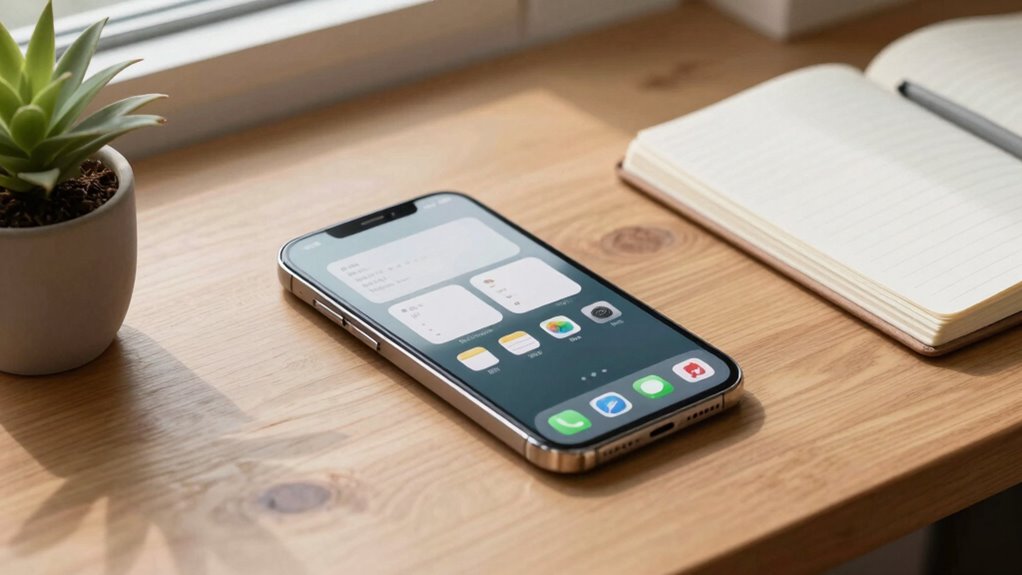
Many people find themselves constantly reaching for their phones, often without even realizing it, which can lead to decreased focus and increased anxiety. To break this habit, you need to create a phone setup that minimizes unnecessary distractions. Start by customizing your apps—only keep the ones that serve essential functions or genuinely add value to your day. Delete or hide apps that tend to draw you in unnecessarily, like social media or gaming platforms. The goal is to reduce the visual clutter and make it less tempting to open apps out of habit.
Next, focus on notification management. Notifications are designed to grab your attention and lure you back into checking your phone repeatedly. Turn off non-essential notifications for social media, news, or promotional messages. Keep only critical alerts, like messages from close contacts or important work updates. This way, your phone won’t constantly ping you, and you won’t feel compelled to check it every time a new notification appears. You regain control over your attention, and your mind won’t be pulled in multiple directions every few minutes. Incorporating digital minimalism into your setup can further support your goal of mindful usage. Additionally, research shows that reducing sensory input can improve mental clarity and reduce stress levels, making it easier to resist compulsive behaviors. Managing your sensory environment effectively can lead to a calmer and more focused mind. Understanding the impact of visual clutter can help you design a more intentional home environment that supports your digital habits.
Another effective step is to set designated times for checking your phone, rather than doing it impulsively throughout the day. Structure your routine so that you review notifications and messages during specific intervals—perhaps morning, midday, and evening. Use your phone’s built-in features or third-party apps to schedule these periods, and avoid the temptation to check outside of them. This creates a boundary that helps you regain control over your time and attention.
Additionally, consider creating a “phone-free zone” in your environment. For example, keep your phone out of reach while working or relaxing, such as on a different table or in a drawer. This physical separation makes it less convenient to pick up your device impulsively. Pair this with your customized app setup and notification management, and you’ll find it easier to resist the urge to check your phone constantly. Incorporating attention management techniques can also help reinforce your commitment to mindful usage.
Finally, intentionally design your home screen to support your goals. Place only the most necessary apps there, and hide the rest in folders or on secondary screens. Use monochrome or minimalist themes if your device allows, reducing visual appeal and making your phone less enticing. By tailoring your device in these ways, you create a setup that encourages mindful usage and helps break the cycle of compulsive checking. Incorporating a mindful approach to your device setup can significantly improve your digital habits and overall well-being.
As an affiliate, we earn on qualifying purchases.
Frequently Asked Questions
Can I Customize App Notifications to Minimize Checking Triggers?
Yes, you can customize app notifications to minimize checking triggers through notification management and app customization. Start by turning off non-essential notifications or setting them to silent. Use your device’s settings to prioritize important alerts, and consider disabling badges or pop-ups. Many apps allow you to customize notification frequency or opt for less intrusive alerts. This helps reduce the urge to check your phone constantly and promotes healthier usage habits.
How Do I Track My Phone Usage Over Time?
To track your phone usage over time, start by exploring your device’s screen time settings. These tools track your habits, highlighting how many minutes you spend on apps or scrolling. Regularly review your usage habits and set limits to stay mindful. By monitoring your screen time, you’ll gain clarity on patterns, helping you make informed decisions about minimizing mindless checking and fostering healthier digital habits.
Are There Specific Apps Designed to Reduce Phone Addiction?
Yes, several apps help promote mindful usage and encourage a digital detox. Apps like Forest, Freedom, and Offtime block distracting notifications and limit screen time, helping you break free from phone addiction. By setting boundaries with these tools, you foster healthier habits, stay present, and reduce compulsive checking. Incorporate them into your routine to create a mindful usage environment and gradually regain control over your device habits.
What Are Quick Ways to Disable Distracting Features?
You can quickly disable distracting features by adjusting your Screen Time settings or switching to Focus modes. Set limits on apps that cause distractions, and activate Focus mode during work or relaxation times to block notifications. These tools help you regain control, reduce compulsive checking, and stay focused. Regularly review and customize your settings to maintain a healthier balance and minimize interruptions throughout your day.
How Often Should I Review My Phone Setup for Effectiveness?
Think of your phone setup as a garden that needs regular tending. You should review it every month to guarantee your digital boundaries are intact and your screen time remains healthy. Regular check-ins help you spot new distractions or apps that tempt you to check your phone excessively. By staying vigilant, you maintain control, preventing your device from becoming an overgrown jungle and keeping your digital habits balanced and intentional.
monochrome display app for Android
As an affiliate, we earn on qualifying purchases.
As an affiliate, we earn on qualifying purchases.
Conclusion
By customizing your phone setup thoughtfully, you can markedly cut down on compulsive checking. Remember, isn’t it worth reclaiming your time and mental space? With a few simple changes—like disabling unnecessary notifications and organizing your apps—you’ll find it easier to focus and stay present. So, why not take these steps today and enjoy a healthier digital balance? Your future self will thank you for it.
notification blocker app for Android
As an affiliate, we earn on qualifying purchases.
As an affiliate, we earn on qualifying purchases.
As an affiliate, we earn on qualifying purchases.
Fall Picks
fall essentials
As an affiliate, we earn on qualifying purchases.