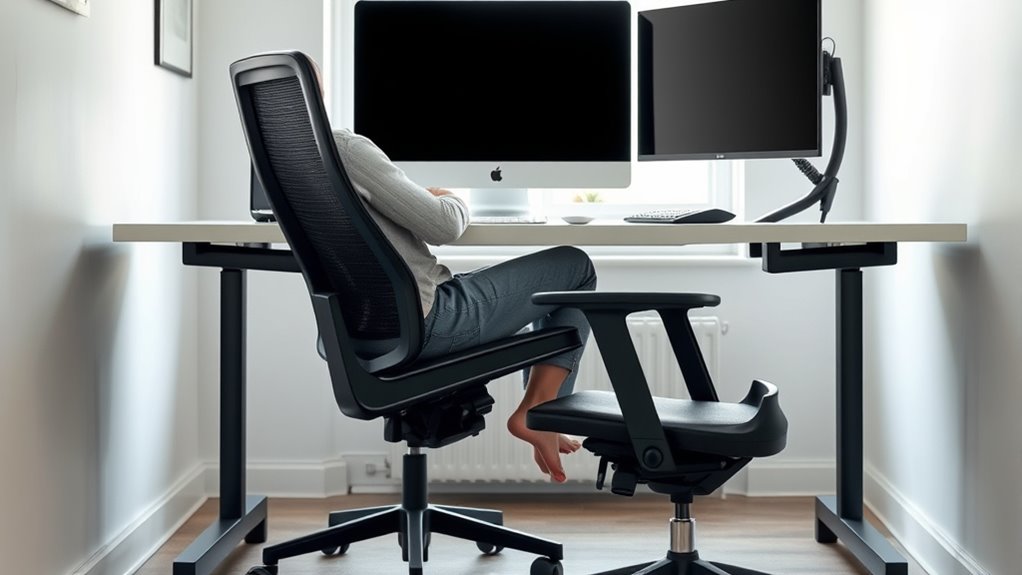

To set up a spine-safe workspace, position your chair so your lower back is supported with lumbar support, keeping your feet flat and knees at a 90-degree angle. Place your keyboard directly in front of you, keeping your elbows close and at a 90-degree angle, with wrists straight. Adjust armrests to keep shoulders relaxed and avoid strain. By fine-tuning these setups, you’ll promote better posture and comfort—discover more tips to protect your spine.

Get health and wellness essentials delivered free with Prime
- Fast, free delivery on millions of items
- Prime Video, Amazon Music and more included
- Member-only deals all year
Key Takeaways
- Adjust chair height to keep feet flat and knees at a 90-degree angle, supporting lower back and pelvic alignment.
- Position keyboard directly in front with a slight tilt to keep wrists straight and elbows close to sides.
- Use lumbar support to maintain the spine’s natural curve and prevent lower back strain.
- Set armrests to allow relaxed shoulders and elbows at approximately 90 degrees, reducing shoulder tension.
- Ensure monitor is at eye level to maintain neck alignment and prevent strain from looking up or down.

Good posture is vital for preventing discomfort and long-term injuries, especially if you spend a lot of time sitting at a desk or using electronic devices. How you set up your workspace can make a huge difference in maintaining spinal health and reducing strain. One of the most important aspects is proper keyboard positioning. You want your keyboard to be placed so that your elbows stay close to your sides and form about a 90-degree angle. This prevents you from reaching forward or hunching your shoulders, which can cause tension and strain over time. Keep your keyboard directly in front of you, not off to the side, to promote a natural arm and wrist position. If your keyboard has a tilt, adjust it to keep your wrists straight and avoid unnecessary bending, which can lead to repetitive strain injuries like carpal tunnel syndrome. Maintaining a comfortable setup is especially important for ergonomic comfort.
Equally important are chair adjustments, which serve as the foundation for good posture. Your chair should support your lower back with lumbar support that fits the natural curve of your spine. Adjust the height so that your feet are flat on the floor, with your knees at roughly a 90-degree angle. Your hips should be slightly higher than your knees, promoting proper pelvic alignment. When adjusting your chair, ensure that your thighs are parallel to the ground and that there’s no pressure on the backs of your legs. The armrests should be set so that your shoulders are relaxed and your elbows rest comfortably at your sides, ideally also forming a 90-degree angle. This setup prevents unnecessary shoulder elevation or downward strain.
Adjusting your chair and keyboard position in harmony creates a workspace that encourages good posture. If your chair is too high, you’ll tend to slouch or raise your shoulders, leading to fatigue and discomfort. Too low, and you’ll strain your neck and upper back as you reach upward to see your screen. Similarly, improper keyboard placement can cause you to extend your arms forward or bend your wrists at uncomfortable angles. Take time to fine-tune these elements until you find a setup where your body feels natural and supported.
As an affiliate, we earn on qualifying purchases.
Frequently Asked Questions
How Often Should I Take Breaks to Prevent Back Strain?
You should take breaks every 30 to 60 minutes to prevent back strain. During these breaks, do stretching routines to relieve muscle tension and improve circulation. Also, verify your desk height adjustment supports proper posture, keeping your feet flat and your monitor at eye level. Regular movement helps reduce stiffness and discomfort, keeping your spine healthy and preventing long-term issues. Make breaks a routine for better back health.
Can Ergonomic Chairs Fully Eliminate Posture-Related Injuries?
Think of ergonomic chair myths as illusions; they can’t fully eliminate posture-related injuries. While a good ergonomic chair supports proper alignment, it’s just one part of posture correction techniques. You might’ve seen someone rely solely on their chair, only to develop discomfort. No chair alone can prevent all injuries—active movement, stretching, and awareness matter too. You’re responsible for maintaining good habits beyond just your chair’s design.
What Are Signs of Poor Ergonomic Setup?
Signs of poor ergonomic setup include discomfort or pain in your neck, shoulders, or back, which may worsen over time. You might notice frequent strain headaches or fatigue. Poor workstation adjustments, like improper chair height or monitor placement, often cause these issues. Using ergonomic accessories like adjustable chairs or monitor stands can help. Pay attention to your body’s signals to identify these signs early and make necessary workstation adjustments for better support.
How Does Lighting Affect Posture and Comfort?
Lighting impact greatly affects your posture and comfort throughout the day. Poor lighting can cause eye strain, prompting you to lean forward or crane your neck, which leads to discomfort. Adequate, well-placed lighting enhances vision comfort, helping you maintain proper posture naturally. When your workspace is properly lit, you reduce strain on your eyes and body, allowing you to work more comfortably and efficiently without unnecessary tension or fatigue.
Are There Specific Exercises to Improve Posture at Work?
Imagine gently coaxing your spine into harmony with simple office stretches that act like a morning breeze, easing tension and guiding posture correction. You can incorporate targeted exercises like shoulder rolls, neck stretches, and seated twists into your day. These movements help you stay aligned, reduce discomfort, and foster a more comfortable work experience. Regular practice guarantees your posture remains steady, much like a tree rooted firmly in the ground.
adjustable ergonomic office chair
As an affiliate, we earn on qualifying purchases.
As an affiliate, we earn on qualifying purchases.
Conclusion
Think of your workspace as a ship sailing smoothly through calm waters. When you set your seat, monitor, and keyboard just right, you’re the captain steering with a steady hand, preventing rocky storms of pain. A spine-safe setup keeps your ship steady, guiding you effortlessly through your day. Remember, small adjustments are like trimming the sails—helping you stay balanced and comfortable on your journey. Keep your posture shipshape, and sail smoothly ahead.
ergonomic keyboard with wrist support
As an affiliate, we earn on qualifying purchases.
As an affiliate, we earn on qualifying purchases.
As an affiliate, we earn on qualifying purchases.
Fall Picks
fall essentials
As an affiliate, we earn on qualifying purchases.