
TL;DR

Get health and wellness essentials delivered free with Prime
- Fast, free delivery on millions of items
- Prime Video, Amazon Music and more included
- Member-only deals all year
You can convert one video into a full media kit and social assets without uploading to the cloud. This local workflow improves privacy, control, and speed, making content creation and promotion more efficient for authors and publishers.
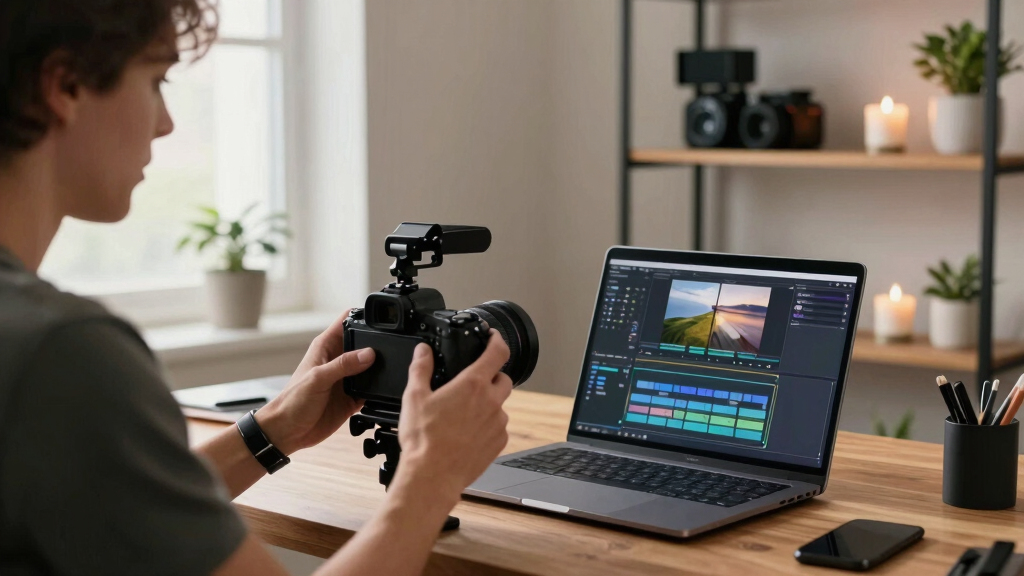
Imagine finishing a single video and instantly having a media kit, social posts, blog drafts, and promotional images ready to go. No waiting for cloud servers, no data leaks, just a streamlined, local workflow. That’s the promise of the approach I’ll explain today: turning one video into an entire publishing kit, all without relying on the internet. This method isn’t just about saving time; it’s about reclaiming control over your content, your data, and your brand.
If you’re an author, podcaster, or small publisher, you know how much work it takes to spread the word. Every platform needs a slightly different version of your content. A press kit, social snippets, blog posts, and promo images—each one a separate job. The idea here is to do it all from a single source, in a workflow that’s private and fast. Let’s explore how a local, AI-powered tool like ChannelHelm can make this happen, and why it’s a game-changer.
Key Takeaways
- A local workflow can produce a complete media kit from a single video, keeping everything private and under your control.
- Automation analyzes both audio and visuals to generate accurate, on-brand promotional assets—saving hours of manual work.
- A publishing kit includes images, descriptions, and branded assets in multiple formats, suited for print and digital use.
- You can review and customize all assets before publishing, ensuring quality and alignment with your brand.
- This approach is ideal for indie creators who value privacy, speed, and full ownership of their files.
As an affiliate, we earn on qualifying purchases.
What a Publishing Kit Actually Includes (And Why You Need One)
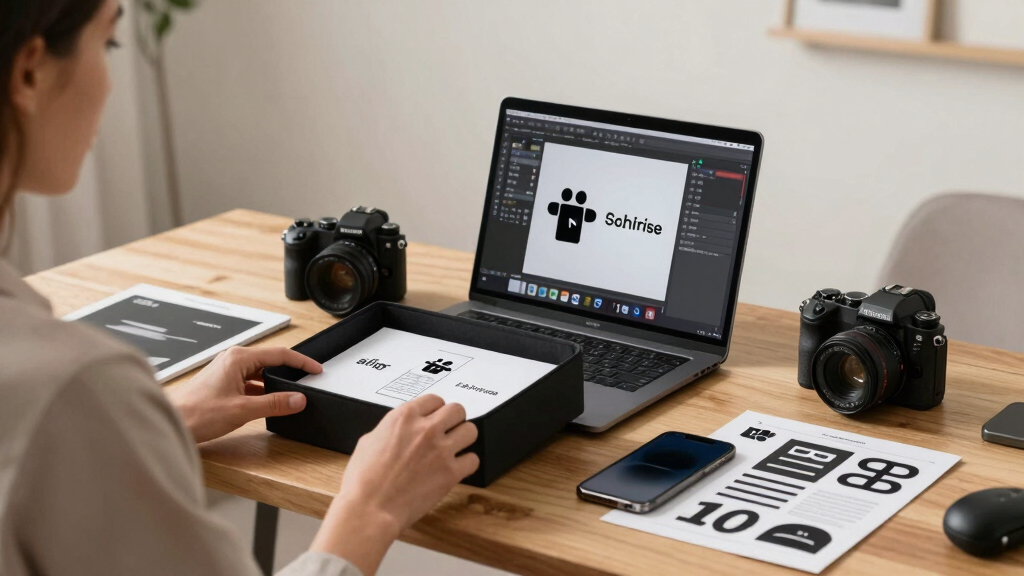
A publishing kit is the essential toolbox for promoting your book, podcast, or personal brand. It typically includes a one-sheet, high-res and low-res images, a clean cover file, and a compelling description. Think of it as your media passport—ready to hand out to journalists, bloggers, or social media managers.
For example, a self-published author launching a new novel will need a well-designed one-sheet with the book cover, a brief synopsis, author bio, and contact info. Plus, high-res images for print and low-res versions for web. All these assets make it easier to get media coverage and build a consistent brand presence across platforms.
As an affiliate, we earn on qualifying purchases.
Why Authors Need a Complete Media Kit (And How It Saves Time)
Authors who want to stand out need more than just a book. They need to tell a compelling story about themselves and their work. A media kit consolidates this into a single, easy-to-share package. It saves hours spent hunting for images, writing pitches, or formatting information for different outlets.
Having a ready-made media kit isn’t just about convenience; it’s a strategic asset. When you have all your promotional materials organized and on hand, you can respond quickly to media opportunities or interview requests. This speed can be the difference between landing a feature or missing the window entirely. Additionally, a professional, consistent presentation enhances your credibility, making it easier for journalists and influencers to feature you. The tradeoff is investing some time upfront to create and maintain the kit, but with automation, that investment becomes minimal, and the payoff in efficiency and professionalism is substantial.
privacy-focused publishing assets creator
As an affiliate, we earn on qualifying purchases.
As an affiliate, we earn on qualifying purchases.
From One Video to Multiple Assets: The Conversion Process
Turning one video into a full publishing kit involves several steps, all of which can be automated with the right tools. First, you upload your video locally. Then, the system transcribes the speech, analyzes the visuals, and fuses this data into a structured understanding of your content.
Next, it identifies key moments—like a punchy quote or a striking visual—and generates assets: a catchy title, social snippets, images, and descriptions. This process can produce high-quality, on-brand materials that are ready for editing or immediate use.
For example, a 20-minute interview might yield a 60-word quote, a thumbnail image, a blog intro, and social posts—all from a single upload.
This automation is a game-changer because it significantly reduces manual effort, especially for creators who may not have design or editing skills. However, it’s important to understand that while automation speeds up the process, it may sometimes produce assets that need human review for nuance, tone, or accuracy. The tradeoff lies in balancing efficiency with the need for personalized refinement, which most workflows support through easy editing options.

video to promotional images software
As an affiliate, we earn on qualifying purchases.
As an affiliate, we earn on qualifying purchases.
Why Going Local and Offline Matters (And How to Do It Right)
Most AI tools rely on the cloud to process videos, which raises privacy concerns and dependence on internet speed. Learn more about dark psychology topics and related content. A local workflow like ChannelHelm keeps your files on your own machine, giving you control and peace of mind. No data leaks, no upload limits, no waiting for servers.
Plus, it’s faster. You avoid the lag of uploading and downloading. Everything happens on your laptop or desktop—ideal for authors working in quiet corners or in areas with spotty internet.
For instance, an indie author working from a cozy cabin can process a full promotional kit overnight, without any internet connection. They keep all their manuscript, cover art, and branding assets secure and private. The implications are significant: you retain full ownership of your content, avoid potential data breaches, and eliminate the risk of third-party access. The tradeoff is that local tools might require more initial setup or learning curve, but the long-term benefits of privacy and speed outweigh these challenges if you value control over your assets.

What Assets Should Be in Your Publishing Kit? (And How to Get Them All)
A complete publishing kit covers everything you need for promotion. Here’s a quick rundown:
- High-resolution and low-resolution images of your author photo and book cover
- Author bio and book description
- One-sheet with key info and branding
- Social media snippets and banners
- Video clips or trailers
The goal is to have versatile assets ready for print, web, social media, and press outreach. Automation simplifies this process by extracting or generating these assets directly from your core content, ensuring consistency across all formats. For example, a high-res cover image for print can be automatically resized into a web thumbnail, while social snippets can be generated from key quotes or highlights identified during analysis. This reduces manual editing and helps maintain a unified visual identity, which is crucial for building brand recognition and trust with your audience.
Avoiding Common Mistakes in Media Kits (And How to Do It Better)
Many authors and marketers fall into familiar traps: inconsistent branding, low-quality images, or missing key info. A good workflow automatically pulls clean, on-brand assets, and ensures everything matches your style. This consistency is vital because it projects professionalism and helps your audience recognize your brand instantly. When assets are mismatched or poorly produced, it can undermine your credibility and make your promotion look amateurish. Automation tools help mitigate these risks by standardizing output quality, applying consistent fonts, colors, and styles, and flagging incomplete or inconsistent data. The tradeoff is that reliance on automation requires careful initial setup to define your branding parameters, but once configured, it ensures every asset is polished and on-brand with minimal effort.

How to Customize and Fine-Tune Your Assets Before Publishing
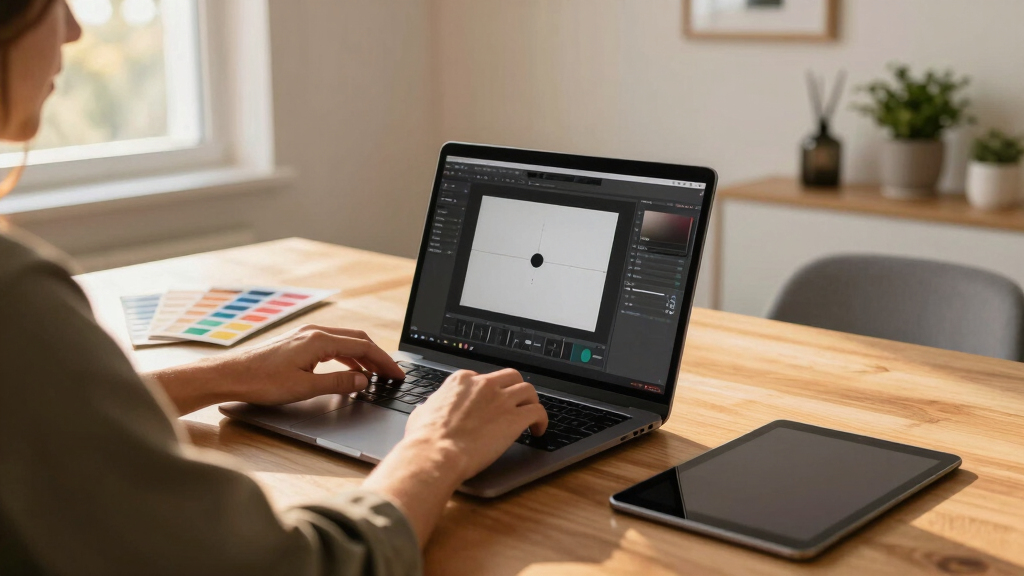
Automation gets you most of the way there, but manual tweaks still matter. Most tools, including ChannelHelm, let you edit generated titles, descriptions, or images directly before exporting. This step is crucial because automated outputs may not capture nuances like tone, style, or specific branding details. Customization allows you to inject personality, correct errors, or adjust visuals for maximum impact. For example, you might refine a quote to better match your voice or crop an image to highlight a particular feature. Having a flexible editing process ensures that your final assets truly represent your brand and message, which is essential for establishing trust and engagement with your audience.
Who Benefits Most From This No-Cloud Workflow?
This approach suits indie authors, small publishers, and content creators who prioritize privacy and speed. If you’re working with sensitive material, or simply want to avoid relying on third-party servers, a local workflow is perfect. It provides peace of mind knowing your content remains private and under your control. Additionally, creators in regions with unreliable internet or those who prefer not to share their data with external providers find this approach especially valuable. The main tradeoff is that local workflows may require more initial setup and some technical familiarity, but the long-term advantages—security, speed, and independence—make it worthwhile for dedicated creators who value ownership of their assets.

What Outputs Can You Expect? File Formats and Quality
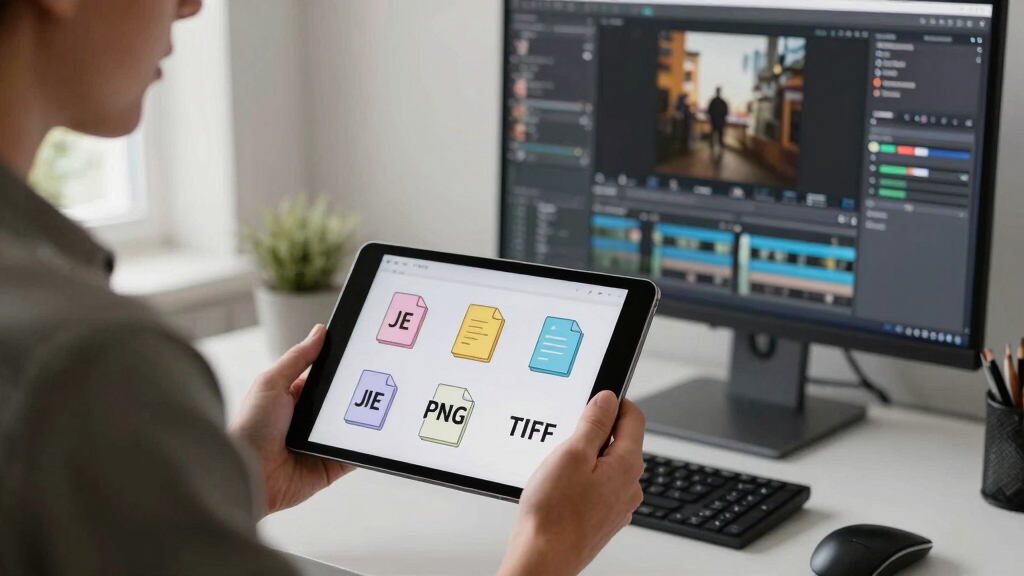
Expect a range of formats designed for each purpose. High-res images (JPEG, PNG), low-res web images, MP4 video snippets, plain text for descriptions, and formatted PDFs for one-sheets. All are generated with an eye for quality and adaptability. The formats are chosen to ensure your assets are suitable for various platforms, from print to social media. High-resolution images are suitable for professional printing or press materials, while web-optimized versions are ready for online use. Text outputs are clean and editable, allowing further customization if needed. The quality of these assets directly impacts your professional appearance and the effectiveness of your promotional efforts. The tradeoff is that higher-quality outputs may require more processing time or larger storage, but this is a small price for maintaining a polished, consistent brand image across all channels.
What Can You Do After? Using Your Assets Across Platforms
Once you have your assets, the possibilities explode. Use your high-res cover for print, low-res for web. Share snippets on Instagram, Twitter, and TikTok. Embed your bio and book info into newsletters or blog posts. The kit is your Swiss Army knife for promotion.
For example, a 3-minute video clip can be turned into a social post, a blog intro, and a press release—all from the same raw material.
Leveraging your assets effectively means understanding the specific requirements of each platform and tailoring your content accordingly. Automation simplifies this process by providing ready-to-use assets in multiple formats, but you should still consider platform-specific best practices—like aspect ratios, captioning, and tagging—to maximize engagement. The key is to view your assets as versatile tools that, when used thoughtfully, can amplify your reach and maintain brand consistency across all channels. This strategic approach ensures your promotion is cohesive, professional, and impactful, saving you time and effort in the long run.

Frequently Asked Questions
What exactly comes out of this workflow?
You get a set of promotional assets: images, descriptions, social snippets, a press-ready cover, and a media kit—everything you need to promote your book or brand across platforms.
Does it create a full media kit, or just transcript-based content?
It creates a complete media kit, including images, a one-sheet, and promotional text, not just a transcript or simple summaries.
What does “without the cloud” mean in practice?
It means all processing happens locally on your machine, so your files and data stay private without needing internet upload or cloud storage services.
Yes, the system analyzes your video and drafts these assets, which you can then review, edit, and finalize before publishing.
How accurate is it with names, titles, and book-specific terminology?
It’s quite accurate, especially with custom prompts and manual review. The system records provenance for each asset, so you can verify and tweak details as needed.
Conclusion
Turning one video into a full publishing kit without the cloud is not just possible—it’s practical. It puts you in the driver’s seat, giving you control, speed, and privacy. The next time you finish a recording, think about how much easier promotion can be when everything is ready to go from a single, local source.
Cold & flu season Picks
humidifiers
As an affiliate, we earn on qualifying purchases.