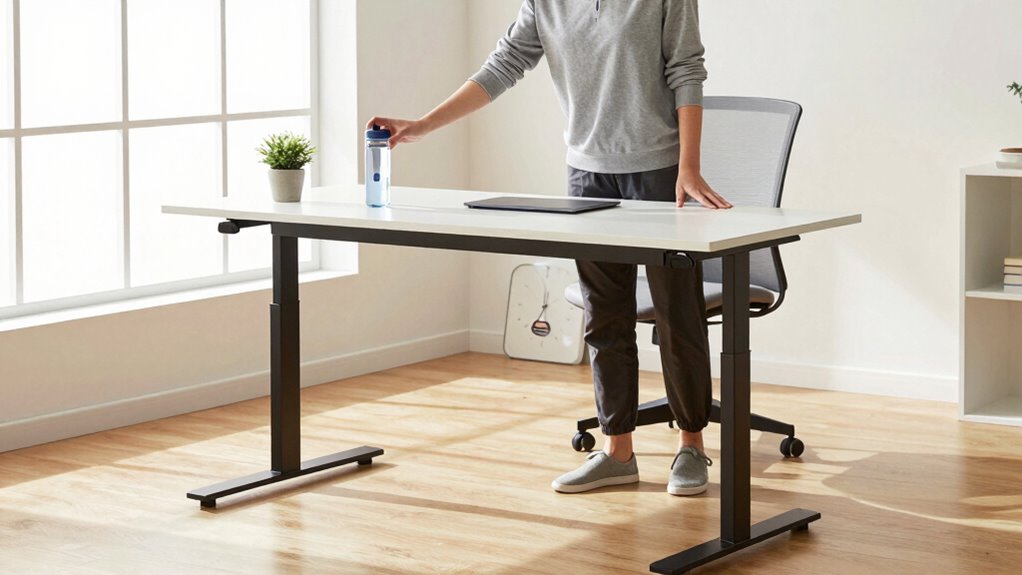

Many standing desk users forget to incorporate regular movement and posture checks into their daily routine. It’s easy to focus on standing duration but neglect the importance of shifting weight, stretching, and adjusting your posture throughout the day. These small actions help prevent fatigue, stiffness, and discomfort. Consistently paying attention to your body’s signals and making mindful adjustments can dramatically boost your ergonomic benefits. Keep exploring to discover how a simple habit can transform your standing desk experience.
Key Takeaways
- Set reminders to shift weight or walk every 30 minutes to prevent stiffness and improve circulation.
- Incorporate regular stretching of legs and hips to reduce strain and enhance comfort.
- Use ergonomic accessories like anti-fatigue mats and monitor arms to support proper posture.
- Maintain proper standing posture: shoulders back, head aligned, and feet shoulder-width apart.
- Develop a routine of mindful posture checks and movement breaks to sustain health benefits.
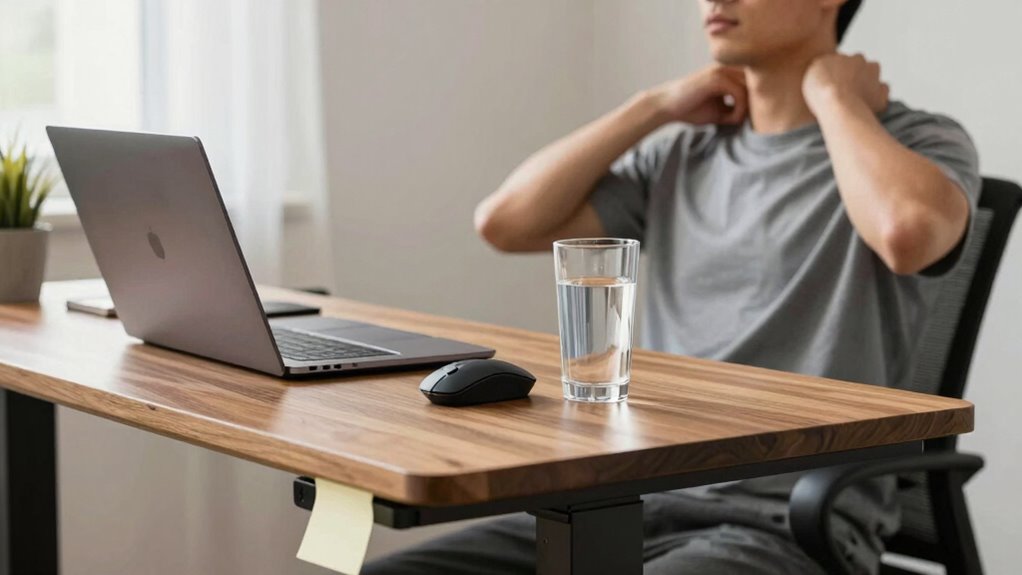
If you’re switching to a standing desk to improve your health and productivity, there’s one simple daily habit many people overlook that can make a big difference. That habit is consistent movement and stretching throughout your day. Standing in one spot for hours can lead to fatigue, stiffness, and poor posture, which defeats the purpose of upgrading your workspace. To truly reap the benefits, you need to integrate regular movement into your routine. This means setting reminders to shift your weight, take short walks, or stretch your legs every 30 minutes. These small actions keep your muscles active, reduce strain, and promote better circulation. Incorporating ergonomic accessories can significantly support this habit. Items like anti-fatigue mats make standing more comfortable, encouraging you to stay on your feet longer without discomfort. Adjustable monitor arms and keyboard stands help you maintain proper alignment, preventing slouching or craning your neck. These tools aid in posture correction, which is essential when you’re on your feet for extended periods. Proper ergonomics not only boost comfort but also help prevent common issues like back pain, neck strain, and repetitive stress injuries. When your workspace is optimized, it becomes easier to remember to move and stretch, making the habit more natural and sustainable. Additionally, understanding posture correction techniques can further enhance your standing desk experience by ensuring you maintain a healthy alignment throughout the day. Being aware of movement breaks and consciously incorporating them into your schedule can significantly improve your overall well-being. Incorporating mindful posture adjustments can also help you develop better awareness of your body’s signals and prevent poor habits from forming over time. Regularly educating yourself about ergonomic principles can also empower you to make better adjustments and sustain healthier habits.
It’s also critical to pay attention to your posture throughout the day. Standing with your shoulders back, chest open, and feet shoulder-width apart helps distribute your weight evenly. Keep your head aligned with your spine, avoiding the tendency to jut your chin forward. This posture correction reduces unnecessary tension in your neck and shoulders, which can become problematic after hours of standing. Incorporating ergonomic accessories that support proper posture encourages you to stay aligned and reminds you to check in with your body regularly. Remember, standing is just one part of a healthy work routine. The key is to balance standing with movement and proper ergonomics. When you keep this habit in mind, you turn your standing desk from a static station into an active, health-promoting workspace. Regular movement and posture correction, supported by the right ergonomic accessories, make all the difference. They help you avoid discomfort, stay focused, and truly benefit from your new setup. Remember, a standing desk is a tool—your daily habits determine how effective it becomes in enhancing your well-being and productivity.

FEATOL Anti Fatigue Mat for Standing, 9/10 Extra Thick Ergonomic Standing Desk Mat, Comfort Memory Foam Standing Mat at Home,Office All Day (20" x 32", Black, 1PC)
- Reduces Foot and Back Stress: Alleviates pressure during long standing
- Ergonomic 9/10 Inch Thickness: Provides exceptional comfort and support
- High-Density Memory Foam: Ensures strong rebound and balance
As an affiliate, we earn on qualifying purchases.
As an affiliate, we earn on qualifying purchases.
Frequently Asked Questions
How Often Should I Adjust My Standing Desk Height?
You should adjust your standing desk height at least once every hour to maintain ergonomic comfort and prevent strain. Use ergonomic accessories like a footrest or anti-fatigue mat to support proper posture. Also, enable your desk’s height memory feature, so you can quickly return to your preferred position. Regular adjustments help avoid muscle fatigue and promote better circulation, making your workspace healthier and more comfortable throughout the day.
What Is the Best Time of Day to Stand Versus Sit?
Imagine it’s 2023 and you’re still figuring out the best time to switch between sitting and standing. The perfect moment is mid-morning or early afternoon when your energy peaks. Use ergonomic accessories to maintain comfort, and consider your desk placement for ideal posture. Switching between sitting and standing throughout the day helps prevent fatigue and boosts productivity, so listen to your body’s cues and adjust accordingly for the best results.
Are There Specific Stretches to Do During Standing Work?
Yes, incorporating specific stretches during standing work helps maintain good posture and reduce fatigue. Try calf stretches to loosen your lower legs, hip flexor stretches to prevent tightness, and shoulder rolls to relieve tension in your upper body. Follow simple stretching routines and posture tips like keeping your shoulders relaxed and engaging your core. These habits keep your muscles flexible and support your overall comfort while working at a standing desk.
How Can I Prevent Foot Fatigue During Long Standing Periods?
To prevent foot fatigue during long standing periods, you should use foot padding or an ergonomic mat. These provide cushioning that reduces pressure on your feet and enhances comfort. Shift your weight periodically and take short breaks to sit down. Wearing supportive shoes also helps. Incorporating these habits can make standing more comfortable and reduce fatigue, making it easier to stay productive throughout your workday.
What Type of Footwear Is Recommended for Standing Desks?
Choosing footwear for your standing desk is like selecting a sturdy, comfortable foundation. Opt for ergonomic shoes that provide arch support, cushioning, and stability, reducing fatigue and discomfort. Avoid high heels or unsupportive flip-flops, which can strain your feet and legs. Instead, look for shoes with shock-absorbing soles and breathable materials. Proper footwear choices will help you stand longer comfortably and maintain good posture throughout your workday.

ErGear Single Monitor Arm, Fully Adjustable Monitor Mount for 13–34 Inch Screens, Fast Install Computer Monitor Stand with Tool-Free VESA Mount, Cable Management, Holds 19.8 lbs, Max VESA 100x100mm
- Compatibility: Fits 13–34 inch monitors up to 19.8 lbs
- VESA Compatibility: Supports 75x75mm and 100x100mm patterns
- Durable Construction: Tested for 20,000+ cycles for longevity
As an affiliate, we earn on qualifying purchases.
As an affiliate, we earn on qualifying purchases.
Conclusion
Don’t forget to fuel your focus with a simple, steady swing of stretching and sipping. This daily dash keeps discomfort distant and dedication deepening. By blending balance and breathing into your routine, you’ll banish the blurring boundaries of boredom. Remember, small steps sustain your strength, and consistent care cements your comfort. So, stay steadfast, sprinkle in some self-care, and watch your workspace wonderland flourish with energy and ease.

KOTEMON Acrylic Tilted Computer Keyboard Stand for Ergonomic Typing, Keyboard Tray Holder with Silicone Non-Slip Case, Black
- Low Front Lip: Prevents keyboard from falling off
- Dimensions: 17"L x 5.5"W x 1.5"H
- Universal Fit: Fits most standard keyboards
As an affiliate, we earn on qualifying purchases.
As an affiliate, we earn on qualifying purchases.

ComfyBrace Posture Corrector for Men and Women, Back Brace Straightener
- Pain Relief: Eases back, neck, shoulder, clavicle pain
- Adjustable Design: Fits chest sizes 30-43 inches, breathable and fully adjustable
- Easy to Use: Wear for 5-10 minutes daily, increase over time
As an affiliate, we earn on qualifying purchases.
As an affiliate, we earn on qualifying purchases.